
 Add to Chrome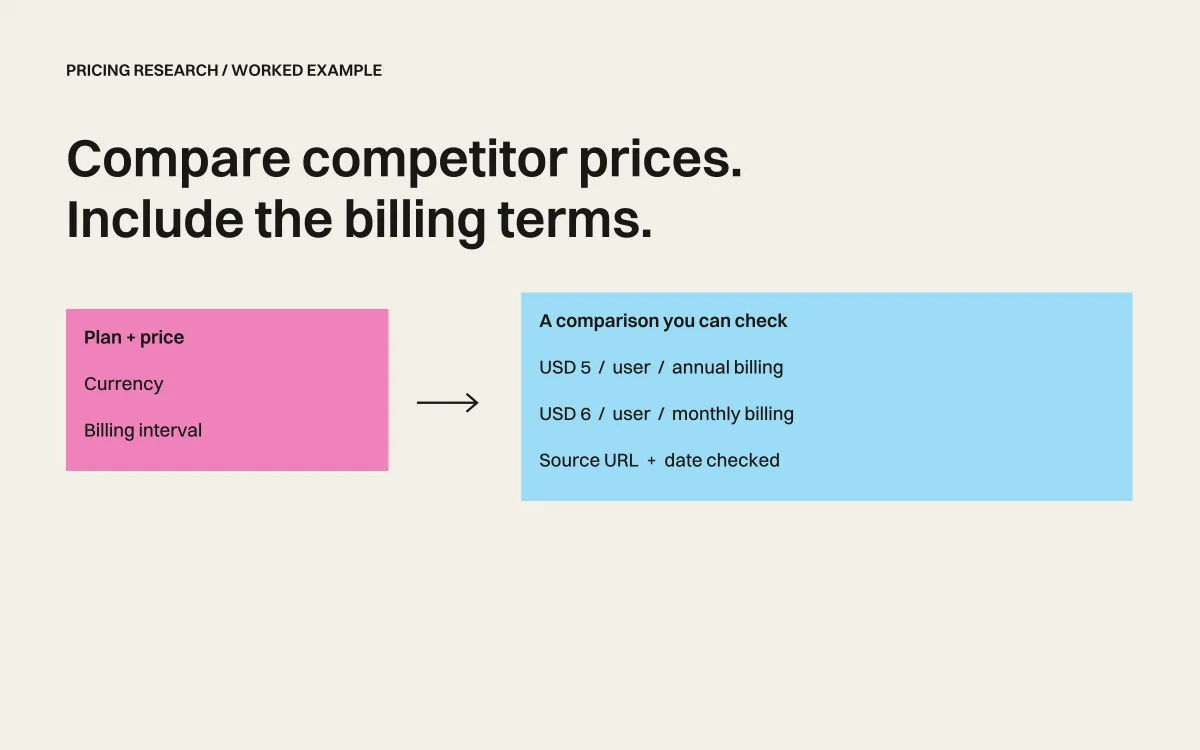
Three pricing tabs can give you three numbers that look comparable and mean different things. One is per user. Another is billed annually. A third is in a different currency.
Give Retriever AI the fields that make those differences visible. Then check the table before using it in a sales brief, a buying decision, or your own pricing review.
Start with three pages
This worked example uses Trello, Asana, and Notion. They overlap in team planning, but their plans do not contain identical features. We are comparing published price fields, not declaring a cheapest equivalent product.
The rows below were checked against the public pages on September 22, 2026. They are an editorial reference result, not a recording of a Retriever run.
Copy this prompt
Read https://trello.com/pricing, https://asana.com/pricing, and https://www.notion.com/pricing. Compare Trello Standard, Asana Starter, and Notion Plus. Return product, plan, currency, price per user or member, billing interval, one relevant usage limit, source URL, and date checked. Record monthly and annual billing separately. Do not convert currencies or infer a missing value. Mark unresolved fields as unknown. Give me the table and a CSV. Do not start a trial or contact sales.
Open Retriever AI in Chrome, or use a separate browser in Cloud. Ask for this small comparison first. Add more vendors only after checking the fields and sources.
The checked reference table
| Plan | Displayed price | Billing | One useful limit | Source |
|---|---|---|---|---|
| Trello Standard | USD 5 per user/month; USD 6 on monthly billing | USD 5 requires annual billing | 1,000 Workspace command runs/month | Trello |
| Asana Starter | USD 10.99 per user/month; USD 13.49 on monthly billing | USD 10.99 requires annual billing | No user-seat limit shown for Starter | Asana |
| Notion Plus | GBP 8.50 per member/month in the fetched page | Selected billing interval was not established by the fetched text | Paid uploads have an approximately 5 GB per-file limit | Notion |
Download the dated reference CSV. Prices can change; open the sources again before making a purchase or publishing a comparison.
What this example exposed
Currency needs its own column. Notion’s page returned a British-pound price in this review. Rewriting it as dollars would create a false comparison.
A monthly equivalent is not monthly billing. Trello’s USD 5 and Asana’s USD 10.99 rates require an annual commitment. The monthly-billed rates belong in separate fields.
A page can list both billing options without identifying the selected one in extracted text. That is why the Notion billing interval remains unresolved here. Inspect the page’s selector and capture its state before filling that cell. Do not ask the model to make the table look complete.
These are gaps in the reference extraction, not measured failures of a Retriever run. When you run the prompt, compare its output with the source pages and record any corrections.
Check before you share
- Open every source link and confirm the exact plan.
- Verify currency, per-seat unit, and billing interval together.
- Separate included usage from paid extras. Keep an unknown when the page does not answer.
- Keep the date with the result. Save the original table before editing it for a presentation.
A useful result is a table a colleague can verify. Counting the rows alone tells you little about its accuracy.
Turn a one-time check into monitoring
For broader extraction, use the website-data workflow. For recurring checks, first save a dated baseline, then configure a paid schedule to report changed prices, limits, and plans. A blocked page should appear as an unresolved check, not “no change.”
Free Mode includes supported AI models and Cloud browser time for tasks you start in the extension or Cloud dashboard. No AI API key or paid AI subscription is required. Sponsored cards and a daily fair-use allowance apply. Schedules require a paid plan. See the full offer and Cloud data terms.


