
 Add to Chrome
Collect the companies in this directory. Follow pagination and open listing detail pages for missing fields. Return company, website, location, and source URL. Keep one row per website. Mark missing values as not listed. Give me a CSV file.
All use cases
DATASETS
Turn website listings into a list you can use.
Give Retriever AI (rtrvr.ai) a directory and the fields you need. Collect the listings into a CSV with source links and missing values marked.
BEST FORFounders, researchers, and operators gathering facts spread across many sites.
WHAT YOU GET
One table. A source for every row.
- 01The fields you asked for
- 02Duplicates checked against the company website
- 03Missing information marked, not guessed
COPY A START
Use a prompt. Make it yours.
Replace the examples with your pages, rules, and approval point. rtrvr will work from the request you give it.
Compare these competitors’ pricing pages. Return plan, currency, price, billing interval, usage limits, source URL, and date checked. Keep annual and monthly prices separate.
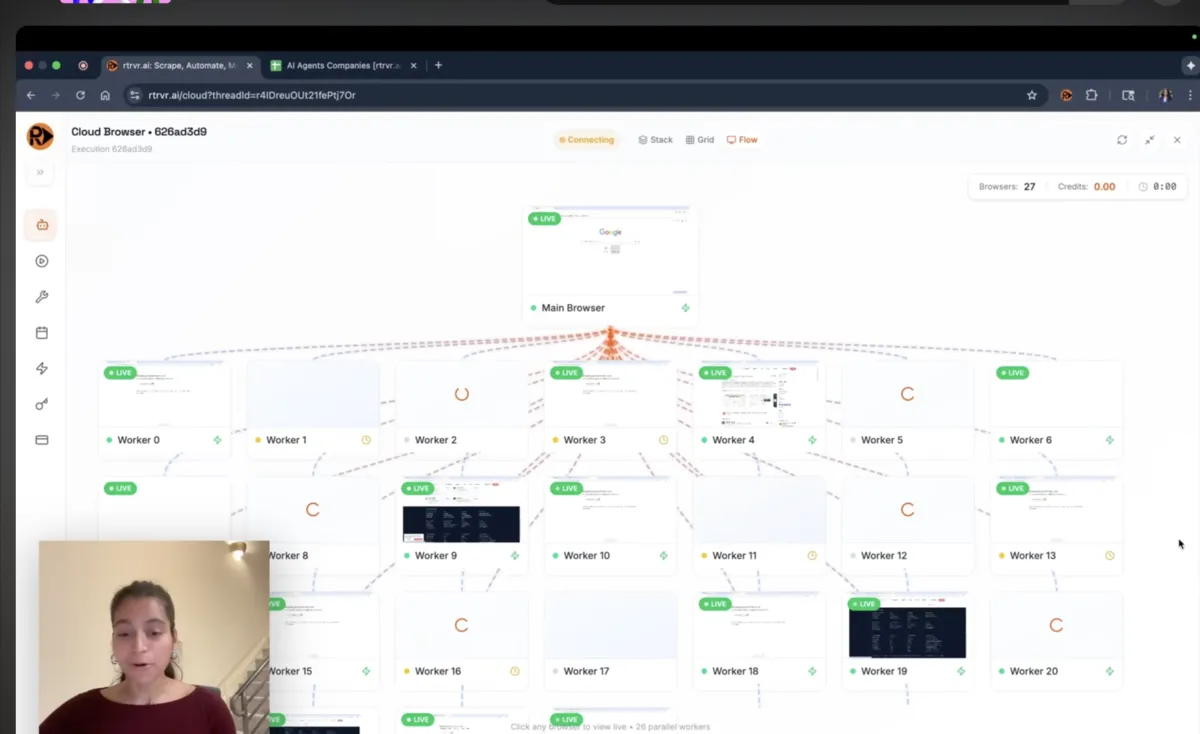
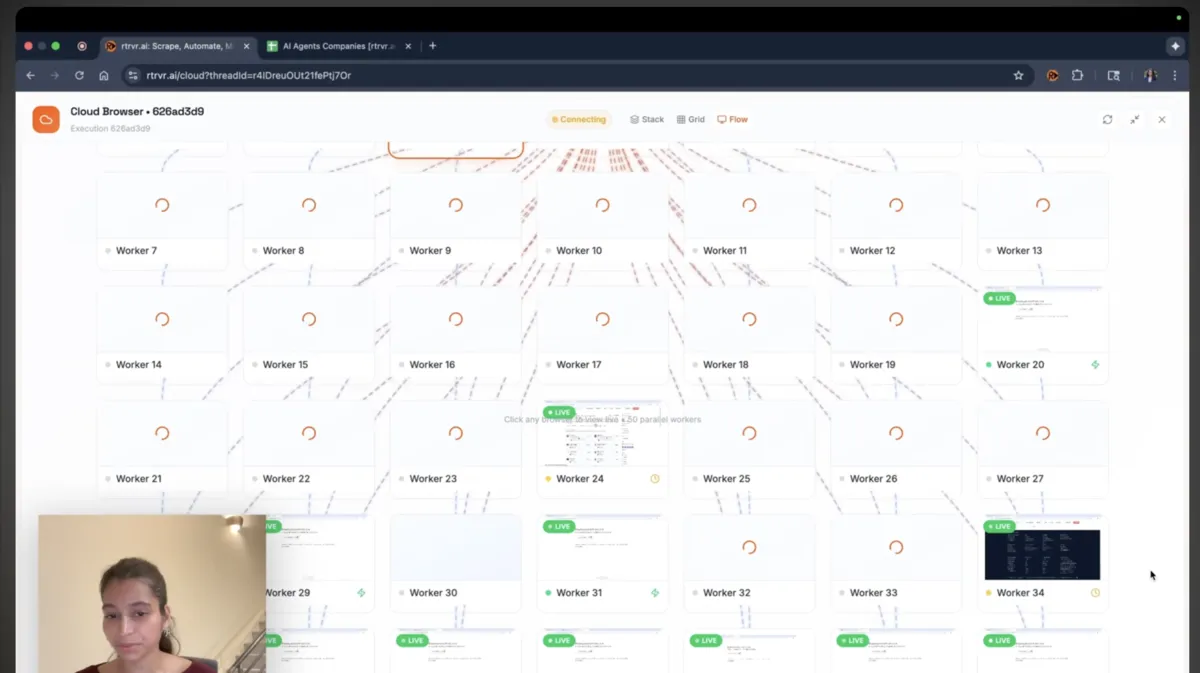
Collect data across websites.
A recorded multi-site extraction. Try a small list first, then check each row against its source.
WORKED EXAMPLE · PUBLIC SOURCES
Three listings. Two companies. One useful file.
Our small practice directory repeats one company. The checked CSV keeps two unique websites and leaves unlisted minimum orders blank. This is an editorial example you can reproduce, not a recorded agent run.
| Company | Wholesale | Minimum order |
|---|---|---|
| Verve Coffee | Public wholesale page | Not listed |
| Ritual Coffee | Public wholesale page | Not listed |
Check the result.
Ask for a CSV with company, website, wholesale URL, minimum order, and date checked. Deduplicate by website. Open both source links before using the list. The example was checked on September 22, 2026; a blank cell means the source did not establish the answer.
HOW THE RUN WORKS
Start small. Check the result.
Tell Retriever AI which pages to use, what to return, and where to pause. Review a small sample before expanding the task.
- 01
Define the table
State which records and fields belong in the final file.
- 02
Gather the pages
rtrvr finds the relevant sites, reads them, and keeps the source for each fact.
- 03
Review the rows
Open the table, check the sources, and export or continue the run.
WHY THIS FITS
The request stays focused on the finished table while rtrvr handles the page-by-page search and extraction.
WHERE TO RUN IT
Pick the fastest way to start.
Use Chrome for sites you’re already signed into. Use Cloud for a separate browser, or the API for tasks from your own tools. The free plan includes one daily schedule; more need a paid plan.
Add to Chrome
Start from a directory, search result, or page already open in your browser.
Scraping docs
Use Cloud or the API when the source list is larger or needs to run again.
RUN YOUR VERSION