
 Add to Chrome
RETRIEVER CLOUD / SALES & GROWTH
Find customers
on LinkedIn and X.
Your next customer is posting. Retriever finds them, adds a relevant comment, and sends a personal message. On your schedule.
Set up my customer searchStarts with your business and who you want to reach.
Cookie sync and schedules require a paid plan.
Find the right people.
Search posts by topic, customer type, or company. Rank the matches and see why each one fits.
Say something useful.
Comment on a LinkedIn post, reply on X, or send a DM. Ground the message in what that person actually said.
Make it a daily habit.
Run the task once, check the result, then schedule it. Cloud handles the next run while you get on with your day.
PUT RETRIEVER TO WORK
What would help your
business grow?
Start with a task. Make it yours in Cloud.
Find customers. Start a conversation.
Find relevant posts, rank the fit, and leave a useful comment about your business.
Use this taskOpens a draft in Cloud. Add your business details, then run it.Help me find customers on LinkedIn and X. First ask for my business website, ideal customers, and which site to use. Read my website to understand what I sell. Find recent posts from potential customers, rank the best matches, and explain the fit with links. Add a short, personalized comment to the two strongest matches, grounded in the post and what my business actually offers. Avoid generic pitches, invented claims, and posts I have already replied to. Return the post links and the comments you published. Start with this run; I will choose a schedule afterward.
NEW / LOGINS + COOKIE SYNC + TAILSCALE
Bring your accounts.
Keep work moving.
Cloud tasks can use the accounts you already use. Connect a login once, then reuse it for customer research and outreach.
Save or sync your login.
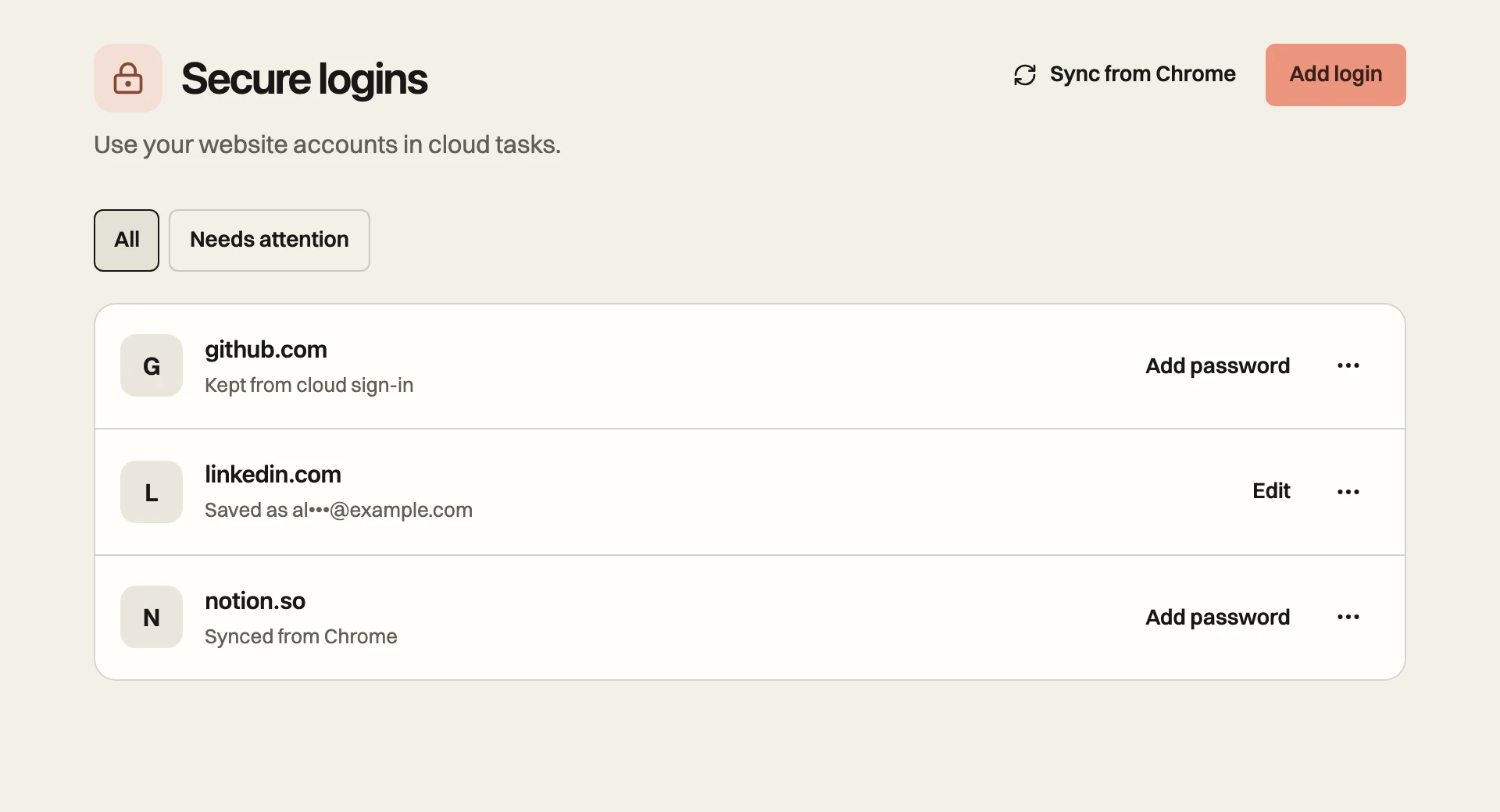
Save a password, sync selected sites from Chrome, or sign in yourself in Cloud. Saved passwords are encrypted and kept out of the AI model.
Refresh the session.
Relay refreshes selected sign-ins while Chrome is open. Cloud reuses the saved session for later tasks.
Use your own IP with Tailscale.
Route Cloud through a computer you own. Sites see your home or office connection. Your exit-node device needs to stay on.
A FEW USEFUL DETAILS
Before your first run.
Account setup, schedules, and how Cloud works.
How does Retriever find customers on LinkedIn?+
Give Retriever your website and describe your ideal customer. It searches LinkedIn posts, reads the context, and ranks matches against your criteria. Ask it to comment, send a connection request, or message the people you choose. You can also ask for drafts first.
Can I use the same workflow on X?+
Yes. Connect your X account and ask Retriever to find posts and reply or send DMs where available. The demo shows a LinkedIn comment and an X reply from Retriever Cloud.
How do I connect my accounts?+
Open Secure logins in Cloud. Save a login, sync a signed-in account from the Relay Chrome extension, or sign in yourself in the cloud browser. Chrome sync copies the selected site’s session, so you do not need to paste cookies into chat.
Do I need Tailscale?+
Tailscale is optional. It routes Cloud traffic through a computer you own so sites see your home or office IP. That computer must stay on and awake. It can help with sites that reject data-center IPs, but a site can still require verification or limit activity.
Can it run while I’m offline?+
Cloud runs scheduled tasks without an open browser tab. It reuses your saved session or signs in with a saved password when needed. Chrome must be open to send fresh cookie-sync updates. If you use Tailscale, your exit-node device must stay on. Site verification can pause a run.
What plan do I need?+
Chrome cookie sync and scheduled tasks require a paid plan. Task usage depends on your plan and the work you run. Tailscale traffic uses your own connection and does not use Retriever proxy credits.
GROW YOUR BUSINESS WITH RETRIEVER
Be there when your
next customer posts.
Set up my customer searchFind customers. Make the introduction. Keep the conversation going.