Add to Chrome
Understand the steps
Ask for an explanation of the question on your screen. Work through the reasoning and ask follow-up questions where you get stuck.
Free AI homework & study help
Open your course page, add your notes, and ask Retriever to explain the steps. Work through a difficult question with the material you’re already studying.
Free Mode. AI included. No API key. How it works
See it work“Explain why (2x² + 3)/(x² + 1) approaches 2 as x grows. Give me a similar question to try.”
| Step | Reasoning |
|---|---|
| Divide by x² | (2 + 3/x²)/(1 + 1/x²) |
| Let x grow | 3/x² and 1/x² approach 0 |
| Find the limit | 2/1 = 2 |
See Retriever at work
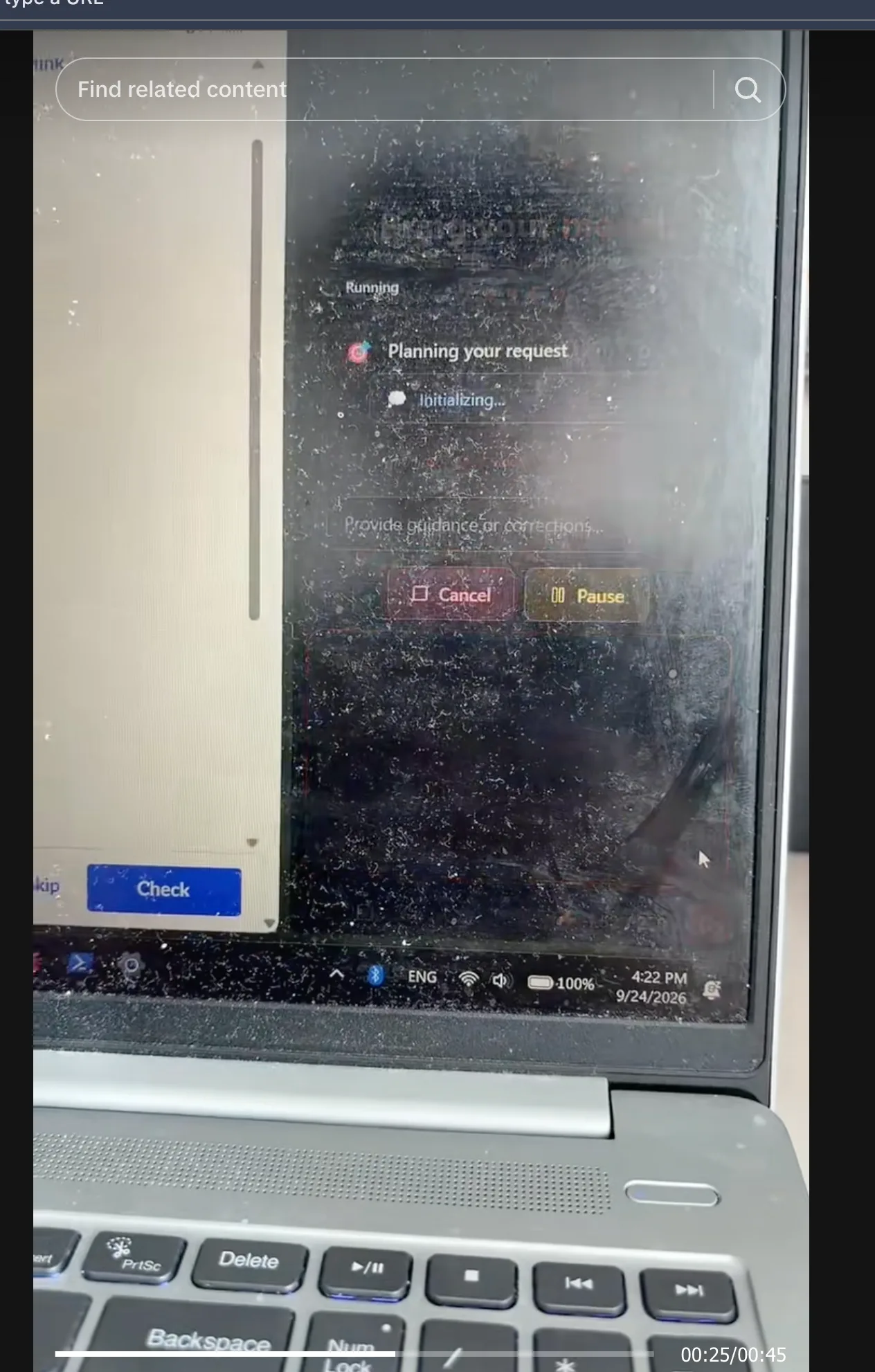
A creator’s 45-second walkthrough shows the Chrome extension running alongside Khan Academy practice material.
A walkthrough by @gerretugc, shared with permission.
Watch on TikTokKeep the question and your course material open. Ask Retriever to explain the idea, break down a step, or help check your working.
 Explore study notes and source links
Try it with the task on your list.
In good company














 35,000+ users
“This is the best A.I. browser extension I've ever seen by far!!! Thank you to the developers of this tool.”
“What a great product, works flawlessly and team is constantly shipping updates making the tool better everyday, must try!”
“Crazy tool to automate your recurring tasks. Tried exporting booking data from airbnb, booking.com and MMT and adding it all to spreadsheet. Challenge is to get the phone number as I have to open manually every booking detail, Rtrvr does wonders in handling such tasks.”
“Does a lot for a relatively low cost, while you do other things on other tabs. Impressive. And if you use your own key only 1/10th the cost.”
“Really Impressed with this, Not Perfect But definitely has the potential i can see this becoming an unicorn”
How it helps
Ask for an explanation of the question on your screen. Work through the reasoning and ask follow-up questions where you get stuck.
Turn course pages and reading links into organized notes with sources you can revisit. Use your own material as context.
Ask for a similar question, try it yourself, and get help checking your working. Find the step that needs another look.
Your first task
Copy a request into the extension, or open it in Cloud. Make it yours before you run it.
Help me understand this practice question using my course notes. Explain the reasoning one step at a time, ask me to try the next step, and help me check my working. Do not submit anything for me.
Use these course pages and reading links to create study notes. Explain the key ideas, include the source links, and give me five practice questions. Keep the answers separate so I can test myself first.
Start free
Sign in with Google or email. Choose Free Mode and tell Retriever what you need.
Free usage has fair-use limits. Subscriptions add schedules and ad-free runs. See what’s included.
Install the extension, click Retriever AI in your toolbar, and sign in. It works with the sites you’re already signed into.
Sign in to rtrvr and describe your task. Cloud gives you a separate browser. You may need to sign in to the websites your task uses.
Yes. In Chrome, open the material you can access and attach your notes or select the relevant tabs. Ask Retriever to explain, summarize, or help you practice from that context.
Yes. Point to the step you’re stuck on and ask Retriever to explain it another way, use an example, or give you a similar practice question. Keep asking until the reasoning makes sense.
Go fetch
Free Mode includes supported AI. See what’s included.