
 Add to Chrome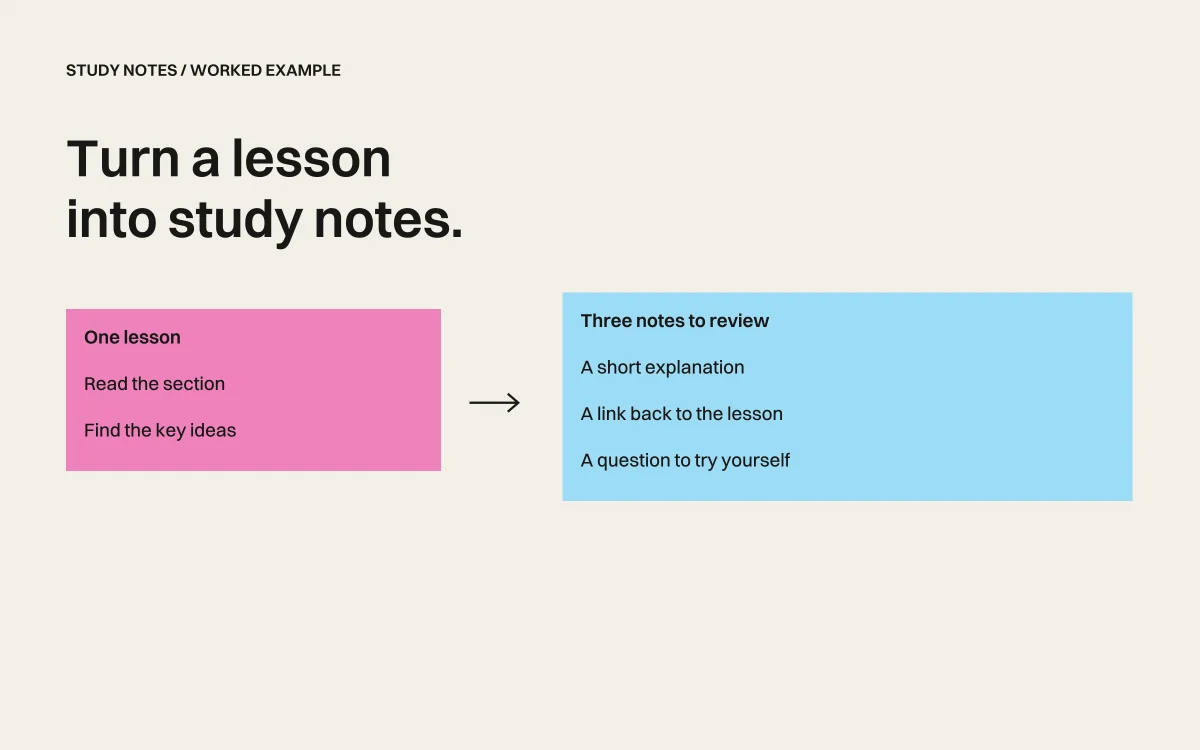
A long summary can leave you with another page to read. Better study notes give you a few ideas to recall, an example to try, and a link to the part you need to revisit.
Start with one lesson. Ask Retriever AI to keep every note attached to its source, then check the notes while the original is still open.
Try a short, openly licensed lesson
Our example uses Mozilla’s Headings and paragraphs, part of the MDN web-development learning course. It explains HTML text structure. The notes below were checked against that lesson on September 22, 2026. They are a worked editorial example, not a recorded agent run.
MDN documentation is available under CC BY-SA 2.5 or later. The adapted sample notes here and in the download use CC BY-SA 2.5, with attribution to Mozilla Contributors. Our examples paraphrase and shorten the lesson.
Copy this prompt
Read this MDN lesson: https://developer.mozilla.org/en-US/docs/Learn_web_development/Core/Structuring_content/Headings_and_paragraphs. Return three study notes, each with the relevant section link, and two practice questions. Separate ideas from the lesson from any examples you add. Do not answer the lesson’s exercises for me. Keep the notes short enough to review before I practice.
Use Retriever AI in Chrome with the lesson open, or start in Cloud. For your own course, use material you are allowed to process and follow its rules for AI assistance.
A checked set of notes
| Idea | Note | Source section |
|---|---|---|
| Paragraphs | A paragraph uses a p element to mark its structure. | Headings and paragraphs |
| Hierarchy | Heading levels describe the outline. Choose them for their place in the document, not their visual size. | Structural hierarchy |
| Navigation | Useful headings help a reader, including a screen-reader user, find a section. | Why structure matters |
Download the sample notes. Attribution: “Headings and paragraphs,” Mozilla Contributors; shortened and paraphrased under CC BY-SA 2.5.
Test your understanding
These are new practice questions for this guide:
- A page has one main title and two sections. Which heading levels would you choose, and why?
- Someone chooses h4 because its default size looks right. How would you separate structure from appearance?
Answer from memory, then use the source links to check. If a note does not help you explain the idea in your own words, revise it.
Check what the notes leave out
This sample covers only three concepts. It does not replace the lesson’s examples or practical exercises. Check that each source link supports the note, that added examples are labeled, and that unfamiliar terms have not disappeared in the shortening.
For a longer course, repeat this one lesson at a time. Keep a separate list of topics to revisit and upcoming dates. You can ask for a study plan after you know which parts need practice.
Keep the goal clear
Use this process for understanding and recall. Notes do not demonstrate that you completed a course or earned a qualification. Handle graded assessments and attendance according to the course’s rules.
For registration paperwork, see filling forms from documents. For study material already open in your browser, start with one short section and the prompt above.
Free Mode includes supported AI models and Cloud browser time for tasks you start in the extension or Cloud dashboard. No AI API key or paid AI subscription is required. Sponsored cards and a daily fair-use allowance apply. Review plan details and Cloud data terms.


